Help and support
Find the right answer to your products, invoices, and much more, through our search feature
How to set up My CHmobile account
If you are logging in for the first time, you first need to set up your account.
Already set up your account? Learn how to log in here.
How to set up your account
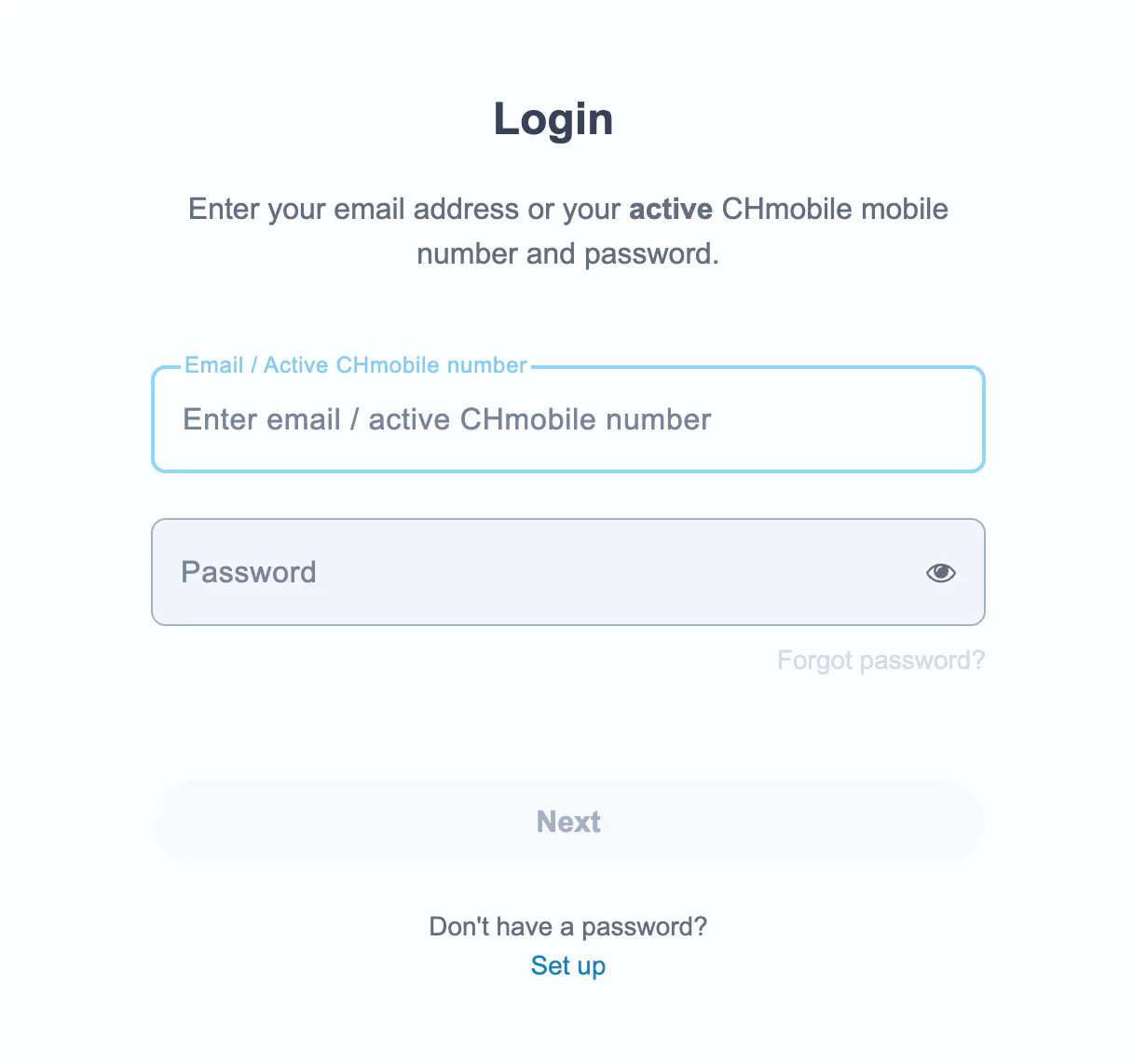
① Click on “Set up” on the login screen.
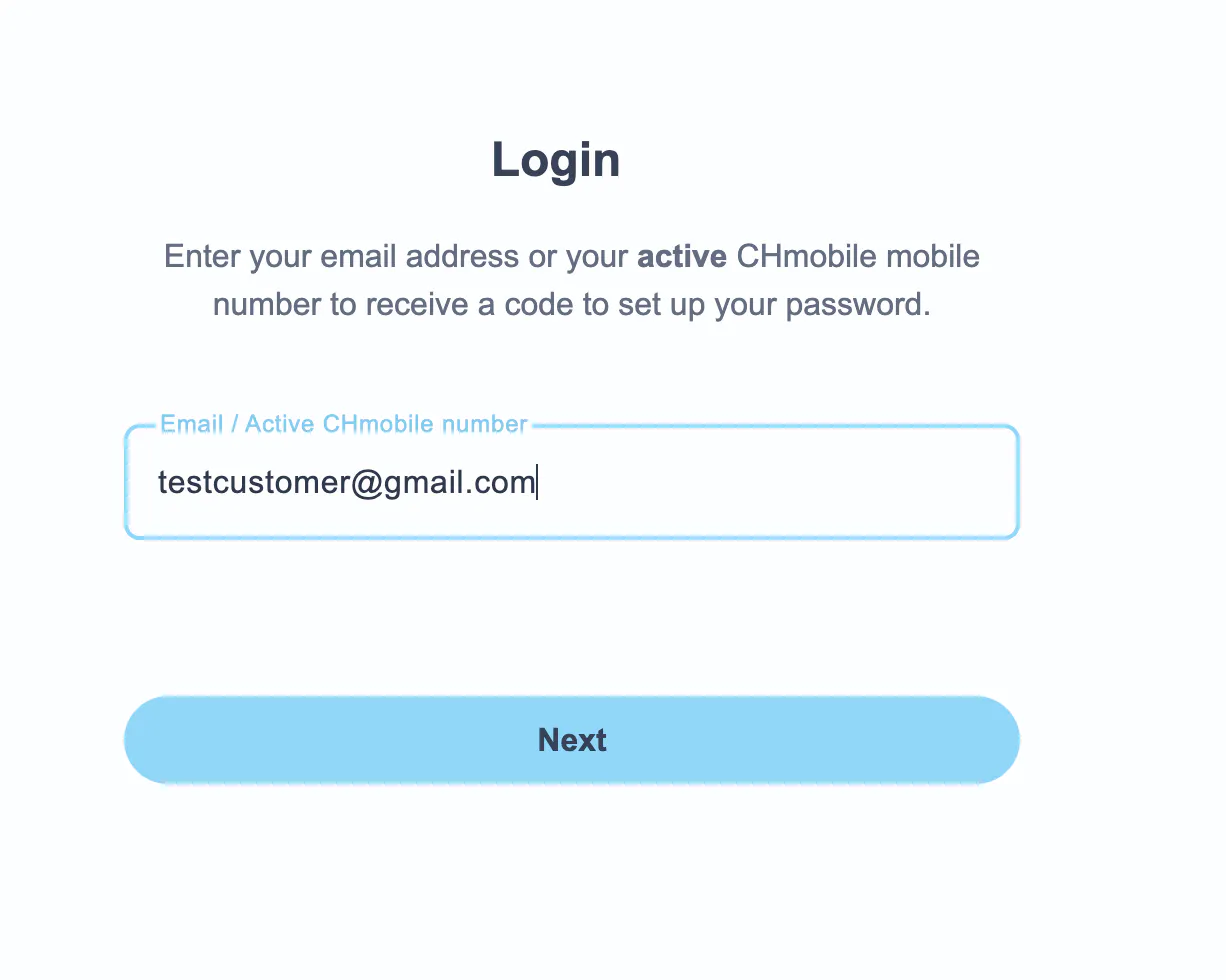
② Enter your email address or active CHmobile mobile number
(usually the email address used when placing your order).
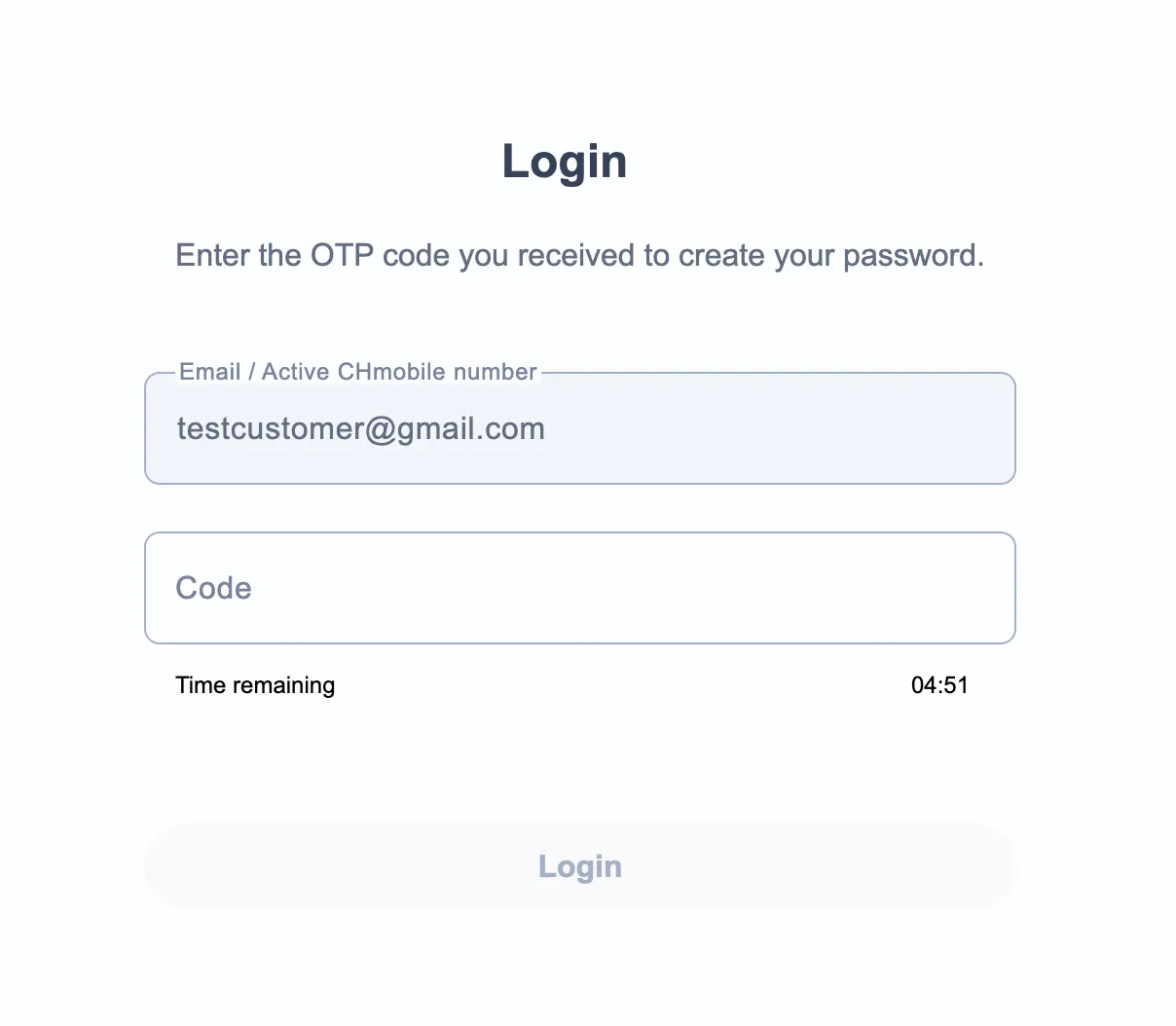
③ Enter the verification code you received by email.
④ Create a password for your account.
Your password must include:
Example format:
▸ Example123!
▸ MyHome#123
Once completed, your account is ready for future logins.
Note: This password applies to your entire account, whether you sign in using your email address or phone number.
- Sign in using the phone number linked to the account.
- Go to your account settings.
- Update the email address so that each account has its own unique email address.
I didn't receive the login code by email
If you didn't receive the email with your login code, please check the following:
① Make sure you entered the correct email address linked to your CHmobile account.
② Check your spam or junk mail folder
③ Check your mailbox storage. If your mailbox is full, you may not be able to receive new emails. Free up some space and try again.
④ Make sure your email address is linked to only one account
For security reasons, one email address can only be used for one account within the same brand. If the same email address is used for multiple accounts, you won't be able to sign in with that email address.
How to fix it:
Still not receiving the code?
Try login in with your active mobile number instead and check your email address in the account settings. If needed correct or update your email address there, log-out and try again login in with your new email address.
I didn't receive the login code by SMS
If you didn't receive the SMS with your login code, please check the following:
① Make sure you entered the correct mobile number. You can use any active CHmobile mobile subscription number to log in.
② Make sure your mobile number is active (meaning you can make calls, send SMS, use mobile data etc.)
③ Check your mobile connection
Still not receiving the code?
If your mobile number is inactive or restricted, you may not be able to receive the login code by SMS.
In this case, log in using your email address instead. The verification code will be sent to the email address linked to your account.